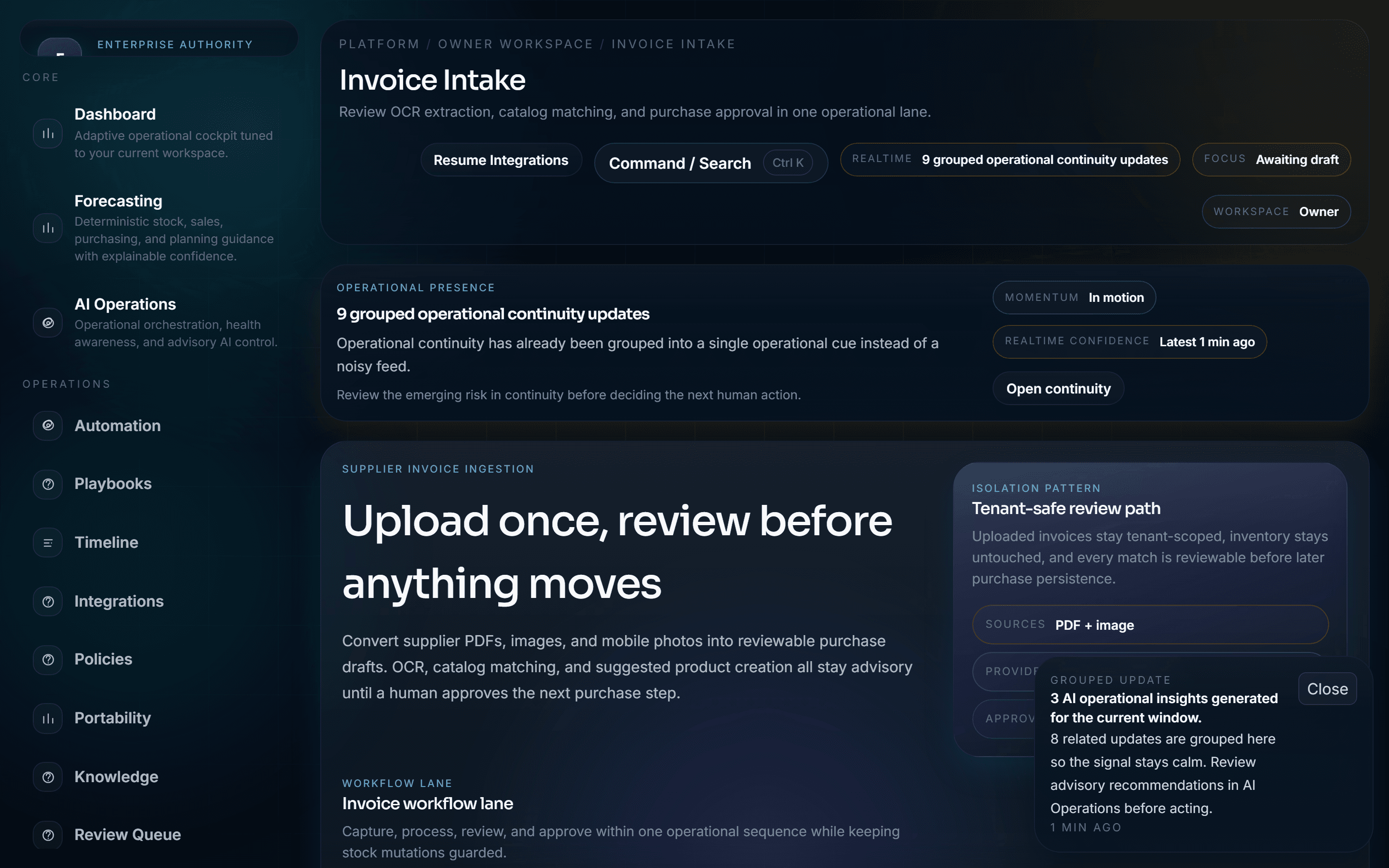
Intake
Three ways to capture
Accept invoices in any format. OCR handles extraction regardless of how the document arrives.
PDF Upload
Drag-and-drop PDF from email or desktop. OCR extracts supplier, amount, line items, due date.
Mobile Photo
Point your phone camera at a paper invoice. Capture instantly, OCR handles the rest.
Image Import
PNG or JPG from any source — scanner, email attachment, cloud storage.
Workflow
4-step approval flow
From capture to payment in a structured, auditable pipeline.
Capture
Upload or photograph the invoice from any device.
Extract
OCR reads supplier, total, line items, dates — automatically.
Review
Finance team verifies extracted data before it enters the system.
Approve
Invoice enters the payment and audit pipeline.
Every invoice action is timestamped and logged. Full audit trail from capture to payment.
Supported formats
Any format your suppliers send. Any device your team uses.